IVPN for Windows
Supports Windows 10 / 11 (64-bit)
View source on GitHub
SHA256 x86_64: 3937206b2b6e0541a298aa3d0bae66745e48f5b2c91d4ff5cde239b09254106b
SHA256 arm64: b187202d530cef5579d438d7bef868cb92ab4300292ab2e01d7901e4af0a05a2
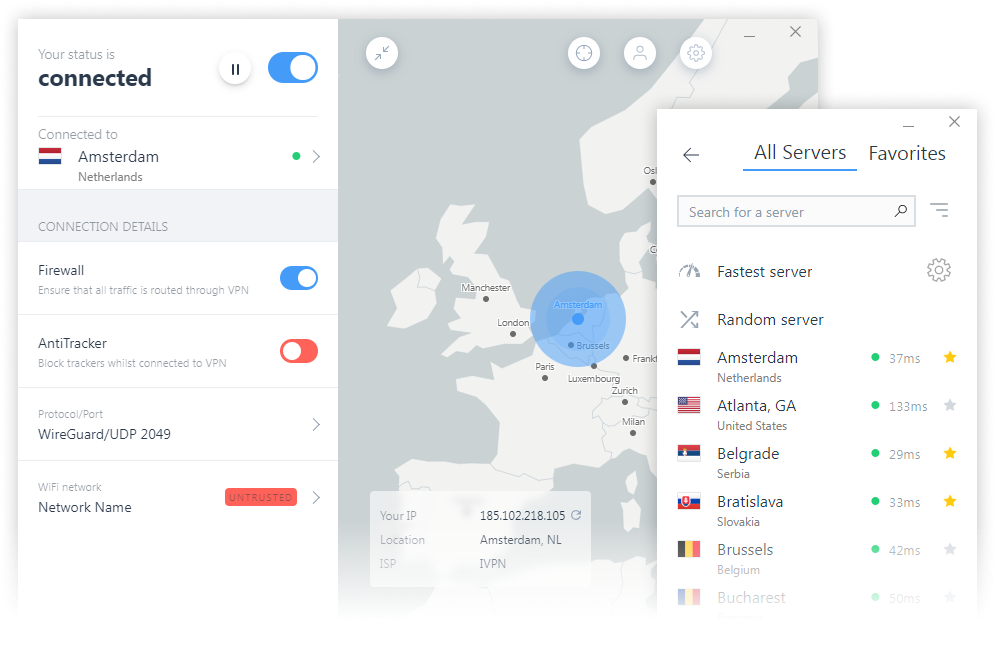
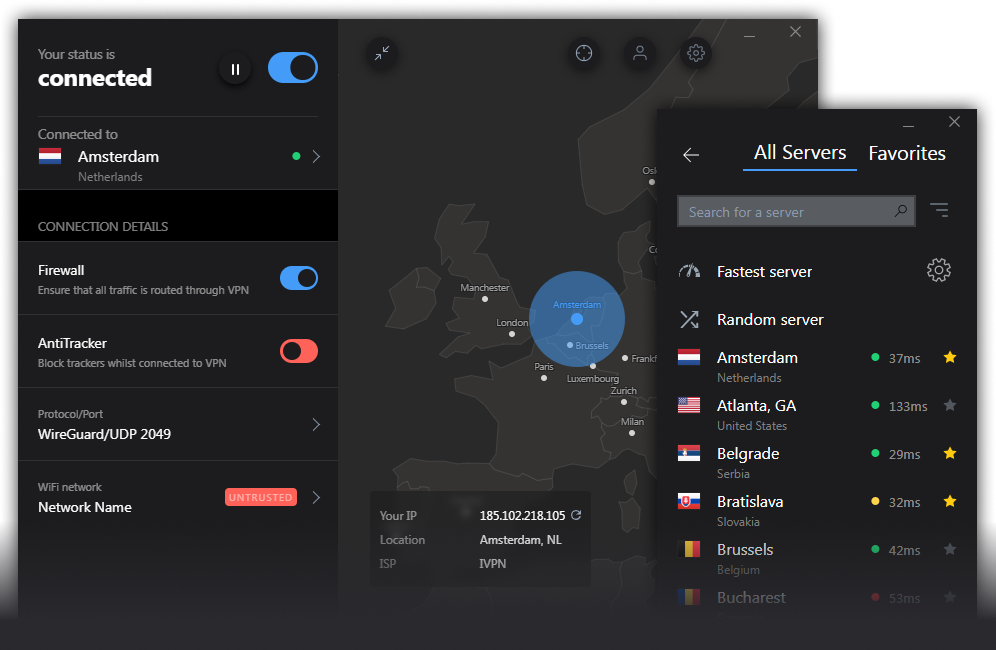
Features
- WireGuard or OpenVPN protocols.
- Quantum-resistant WireGuard connections.
- GUI or CLI (command-line interface).
- WireGuard privacy controls - Define automatic key and IP address rotation schedule.
- AntiTracker that blocks ads, adware, malicious websites and data harvesting trackers.
- Firewall / killswitch - Ability to configure as on-demand or always-on. Protects against DNS, IPv6 and disconnection leaks.
- Ability to define trusted Wi-Fi networks and create rules for automatic VPN connection/disconnection.
- Multi-hop VPN routes. Connect through multiple servers in separate jurisdictions for enhanced privacy.
- Allow LAN traffic when connected to VPN.
- Pause VPN for when disabling VPN connection temporarily is required.
- V2Ray and obfs4 options to circumvent censorship.
- Custom DNS servers, with DoH.
- Split tunneling.
- Auto-update.
- Auto-connect on launch / on joining insecure Wi-Fi.
Manual configuration
If you prefer not to use the IVPN app please follow the relevant setup guide below.
- WireGuard (Windows 10)
- OpenVPN GUI (Windows 10)
- OpenVPN GUI (Windows 8)
- IPSec with IKEv2 (Windows 10)
Download legacy versions
IVPN-Client-v3.12.0.exe
SHA256: 2425f3e339eeb8bb8ac11734b2db918083eea6d2cd9172109e0748b2fcd62f19
IVPN-Client-v2.12.17.exe
SHA256: 7dce2cd90a2828f308c5c9063776d05af6074d974c57ee69a7ea79030640149a
Spotted a mistake or have an idea on how to improve this page?
Suggest an edit on GitHub.
Suggest an edit on GitHub.